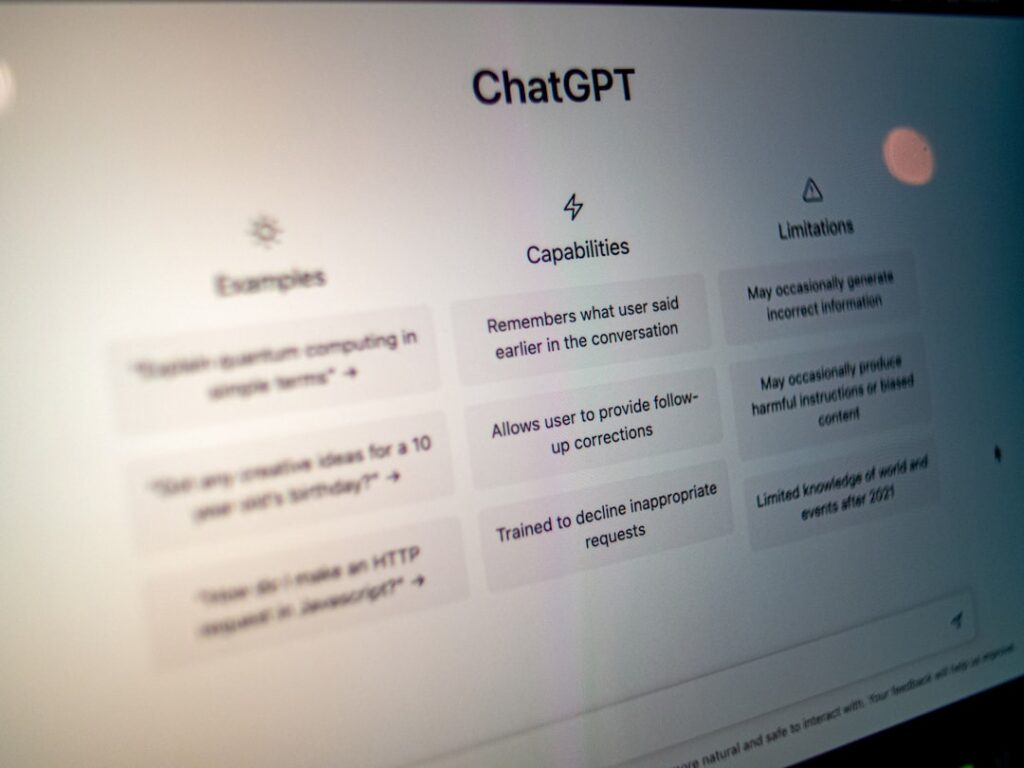

Content creation has evolved rapidly, and artificial intelligence now plays a central role in how brands, marketers, and creators produce material at scale. If you want to stay competitive, learning how to use ChatGPT for content creation is no longer optional. It is a strategic advantage that can dramatically improve speed, quality, and consistency.
In this in-depth guide, you will discover how to use ChatGPT for content creation in a practical, results-driven way. From brainstorming and outlining to SEO optimization and repurposing, this article breaks down proven workflows you can apply immediately.
How to Use ChatGPT for Content Creation: A Practical Framework
Understanding How to Use ChatGPT for Content Creation Strategically
Before diving into tactics, it is important to understand what ChatGPT actually does in the content workflow. ChatGPT is a large language model that generates human-like text based on prompts. It does not replace strategy or expertise, but it enhances them.
When learning how to use ChatGPT for content creation, think of it as a collaborative writing assistant. It can brainstorm ideas, structure outlines, draft sections, rewrite paragraphs, and refine messaging. However, human oversight ensures accuracy, brand alignment, and originality.
A strategic approach starts with clear objectives. Are you creating blog posts for organic traffic, email sequences for conversions, or social media posts for engagement? Each goal requires different prompts and output formats.
For example, instead of asking, “Write a blog post about marketing,” a strategic prompt would be: “Write a 1200-word SEO-optimized blog post targeting small business owners about email marketing automation. Include actionable steps and examples.” Specific prompts yield higher-quality outputs.
Another essential element is defining your audience. ChatGPT can adapt tone and complexity if you specify the reader. A beginner guide differs significantly from content written for experienced professionals.
Additionally, you should provide context. Include your brand voice, key points to cover, and desired call to action. The more context you supply, the more aligned the output becomes.
It is also helpful to break large tasks into smaller prompts. Instead of generating an entire long-form article at once, first ask for an outline. Then request section drafts individually.
This iterative workflow reduces errors and improves depth. It also allows you to refine messaging step by step, which is critical when publishing authoritative content.
Finally, always review and edit. Even in 2026, AI-generated text may include generalizations or outdated references. A human editor ensures clarity, fact-checking, and originality.
How to Use ChatGPT for Content Creation and SEO Optimization
One of the most powerful applications of ChatGPT is search engine optimization. Understanding how to use ChatGPT for AI content creation with SEO in mind can significantly increase organic traffic.
Start with keyword research. While dedicated SEO tools provide search volume data, ChatGPT can help generate keyword clusters and semantic variations. For instance, if your main keyword is “how to use ChatGPT for content creation,” you can request related long-tail keywords and user intent questions.
Next, use ChatGPT to structure SEO-friendly outlines. Search engines prioritize content that is logically organized and easy to scan. Ask the model to create headings that match search intent and answer common user questions.
You can also request featured snippet optimization. For example, prompt ChatGPT to define a concept in 40 to 60 words or provide a numbered step-by-step list. These formats increase your chances of appearing in position zero results.
Another key tactic is improving on-page elements. ChatGPT can generate meta titles, meta descriptions, and internal linking suggestions. While you should refine them manually, AI speeds up the drafting process.
Content depth is equally important. Thin content rarely ranks well in 2026. Use ChatGPT to expand sections with examples, statistics, or case scenarios that add substance.
However, avoid keyword stuffing. Instruct ChatGPT to maintain natural language and balanced keyword density. Search engines now evaluate semantic relevance and user engagement more than raw repetition.
You can also use ChatGPT to update existing content. Paste an older article and ask for recommendations to improve freshness, clarity, and SEO alignment. This is especially useful for maintaining rankings over time.
Internal linking strategies can also be enhanced. Ask ChatGPT to suggest related subtopics that could link to or from your primary article. This strengthens topical authority.
Finally, use it for content briefs. If you manage writers, generate structured briefs including keywords, target audience, tone, and word count. This ensures consistency across your content team.
Creating Different Content Formats Using ChatGPT
Content creation extends far beyond blog posts. When mastering how to use ChatGPT for content creation, you should leverage it across multiple formats to maximize reach and efficiency.
For blog articles, start with an outline prompt. Then expand each section individually, ensuring depth and clarity. Follow up with prompts to refine introductions, add examples, and strengthen conclusions.
For social media, brevity and clarity matter. You can paste a long-form article into ChatGPT and ask it to extract key insights into short LinkedIn posts, X threads, or Instagram captions. This turns one asset into many.
Email marketing is another powerful use case. Ask ChatGPT to write subject lines with different emotional triggers such as curiosity, urgency, or authority. Then request variations to A B test performance.
For video scripts, specify tone and duration. For example, request a five-minute YouTube script with a strong hook, three key points, and a call to action. ChatGPT can also generate timestamps and talking points.
Podcast creators can use it to develop interview questions tailored to a guest’s expertise. Provide background information and desired outcomes to improve relevance.
Ebooks and lead magnets require structured depth. Start with a detailed table of contents, then build each chapter step by step. This prevents generic output and ensures cohesion.
Product descriptions also benefit from AI assistance. Instead of listing features, instruct ChatGPT to focus on benefits, pain points, and transformation. This improves conversion rates.
Ad copy can be generated quickly with specific frameworks such as PAS, which stands for problem, agitate, solution, or AIDA, which stands for attention, interest, desire, action. Provide clear product details and audience insights for stronger results.
Repurposing content is one of the biggest time savers. You can turn webinars into blog posts, blog posts into email sequences, and case studies into social proof snippets.
By using ChatGPT across formats, you create a unified content ecosystem that reinforces your brand message across platforms.
Advanced Workflows: Scaling Content with ChatGPT
Once you understand the basics, you can design advanced workflows to scale production. Knowing how to use ChatGPT for content creation at scale allows agencies and businesses to publish consistently without sacrificing quality.
Begin with standardized prompt templates. Create reusable prompts for blog outlines, SEO briefs, social posts, and email campaigns. This ensures predictable output and saves time.
Next, combine ChatGPT with project management tools. Map each stage of the content process, from research and drafting to editing and publishing. AI handles ideation and drafting, while humans oversee refinement and approval.
Batch production is another effective strategy. Generate multiple outlines in one session, then draft several articles consecutively. This maintains thematic consistency and improves efficiency.
You can also integrate data sources. Provide statistics, research summaries, or internal reports as input. This transforms generic drafts into authoritative pieces grounded in real information.
Another advanced tactic is style training. Feed ChatGPT examples of your previous content and ask it to mimic tone, structure, and vocabulary. While it cannot permanently learn, it can adapt within each session based on provided samples.
Quality control remains critical. Develop a checklist that includes fact verification, plagiarism screening, brand voice alignment, and readability analysis. Artificial Intelligence accelerates drafting, but humans finalize quality.
Collaboration within teams can also improve. Writers can use ChatGPT to overcome writer’s block, generate alternative headlines, or refine complex explanations. Editors can request summary versions to quickly review key arguments.
Another scalable approach is content localization. If you operate globally, use ChatGPT to adapt content for different markets. Always review translations with native speakers for nuance and accuracy.
Performance analysis should inform future prompts. Identify top-performing articles and analyze structure, tone, and depth. Then instruct ChatGPT to replicate those elements in new content.
When implemented thoughtfully, these workflows transform ChatGPT from a simple writing tool into a strategic content engine.
Conclusion
Learning how to use ChatGPT for content creation effectively requires more than typing a simple prompt and copying the result. It involves strategy, SEO awareness, structured workflows, and careful editing to produce content that informs, engages, and converts.
If you apply the frameworks and techniques outlined above, you can use ChatGPT for content creation to save time, scale output, and maintain high standards. Start experimenting with strategic prompts today and turn AI into your most valuable content partner.