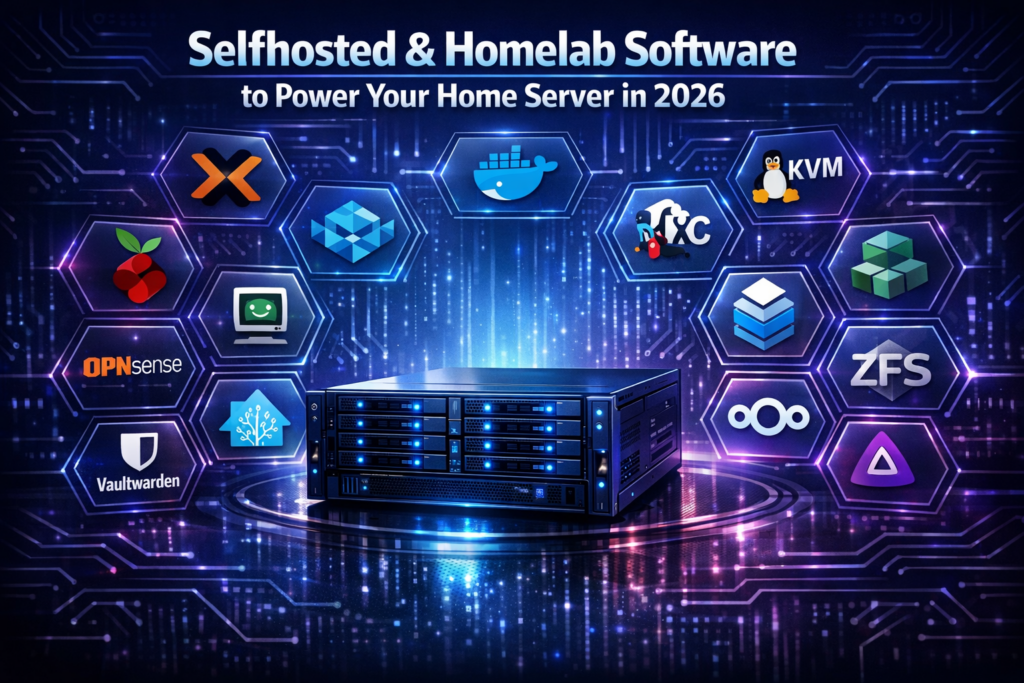

Running your own server is no longer just for IT professionals. With affordable hardware and mature open source ecosystems, the Selfhosted & Homelab Software solutions in 2026 make it easier than ever to build a powerful, private, and fully customized home infrastructure.
Whether you want to replace cloud subscriptions, learn DevOps skills, or centralize your digital life, the right homelab software stack can transform a spare PC or mini server into a secure command center. Below, you will find the most practical, reliable, and community backed tools to level up your self hosted environment.
Selfhosted & Homelab Software for a Modern Home Server
Proxmox VE and Docker for Selfhosted & Homelab Software Virtualization
No serious list of the Top 10 Selfhosted & Homelab Software is complete without a strong foundation. Proxmox VE and Docker form the backbone of most modern homelabs, enabling virtualization and containerization on almost any hardware.
Proxmox VE is an open source virtualization platform that combines KVM for virtual machines and LXC for lightweight containers. It includes a web based management interface, built in backups, clustering, and support for ZFS. For homelab users, it provides enterprise grade features without licensing costs.
With Proxmox, you can run multiple isolated systems on a single physical server. For example, you might host a firewall VM, a Linux server for applications, and a test Windows environment simultaneously. This isolation improves security and makes experimentation safer.
Docker, on the other hand, focuses on application containerization. Instead of running full virtual machines, Docker packages applications and dependencies into lightweight containers. This approach reduces overhead and simplifies deployments.
Many selfhosted services such as media servers, password managers, and monitoring tools offer official Docker images. Combined with Docker Compose, you can define multi service stacks in a single configuration file. This makes scaling and updates significantly easier.
Together, Proxmox and Docker create a flexible base layer for your homelab. You can run Docker inside a Proxmox VM or LXC container, keeping your architecture clean and modular.
TrueNAS and Nextcloud as Core Selfhosted & Homelab Software Services
Storage and file collaboration are central to any self hosted environment. TrueNAS and Nextcloud stand out as essential components in the Top 10 Selfhosted & Homelab Software for users who value data ownership.
TrueNAS is a powerful network attached storage platform built around ZFS. It provides data integrity checks, snapshots, replication, and flexible sharing options such as SMB and NFS. For homelab enthusiasts, it delivers enterprise grade storage at home.
With ZFS, you gain protection against silent data corruption and hardware failures. Snapshots allow you to roll back accidental deletions or ransomware style damage. In addition, TrueNAS supports plugins and virtual machines, making it more than just a file server.
Nextcloud replaces cloud storage services like Google Drive or Dropbox. It offers file syncing, sharing, calendar, contacts, and even collaborative document editing. Because it is self hosted, your data stays under your control.
Nextcloud integrates well with Docker and can store its data on TrueNAS shares. This combination creates a private cloud that rivals commercial platforms in functionality. Many users also enable two factor authentication and end to end encryption for enhanced security.
By pairing reliable storage with user friendly collaboration tools, you build a practical daily use case for your homelab. This transforms your setup from a hobby project into mission critical infrastructure.
Jellyfin and Home Assistant for Media and Automation
A homelab is not only about servers and backups. Entertainment and smart home control are major reasons people explore the Top 10 Selfhosted & Homelab Software ecosystem.
Jellyfin is an open source media server that streams movies, TV shows, and music to almost any device. Unlike some alternatives, it is fully free and does not require paid licenses. You install it via Docker or directly on a VM and point it to your media library.
Once configured, Jellyfin automatically fetches metadata, artwork, and subtitles. It supports hardware transcoding on compatible CPUs and GPUs, ensuring smooth playback. Apps are available for smart TVs, mobile devices, and web browsers.
Home Assistant centralizes control of smart home devices. It integrates with thousands of products including lights, thermostats, cameras, and sensors. Running it locally reduces reliance on third party cloud services.
Automation is where Home Assistant truly shines. You can create rules such as turning off lights when no motion is detected or adjusting heating based on occupancy. Advanced users leverage YAML configurations or graphical editors to design complex workflows.
By combining Jellyfin and Home Assistant, your homelab becomes part of your daily lifestyle. It handles both entertainment and automation while maintaining privacy and control.
Pi-hole and OPNsense for Network Control and Security
Security and network management are foundational to any serious self hosted environment. In the Top 10 Selfhosted & Homelab Software list, Pi-hole and OPNsense stand out as critical defensive tools.
Pi-hole functions as a network wide ad blocker. By acting as a DNS sinkhole, it blocks ads and malicious domains for every device on your network. Setup typically involves deploying a lightweight container or installing it on a small Linux host.
The benefits extend beyond ad blocking. Pi-hole can reduce tracking, improve page load times, and offer visibility into DNS queries. Its dashboard shows which devices generate the most requests and which domains are being blocked.
OPNsense is a powerful open source firewall and router platform. It includes features such as intrusion detection, VPN support, traffic shaping, and detailed reporting. Many homelab users run it on dedicated hardware or as a Proxmox virtual machine.
With OPNsense, you can segment your network using VLANs. For example, you might isolate IoT devices from your primary computers. This limits lateral movement in case of compromise.
When combined, Pi-hole and OPNsense provide layered security. They protect your internal services and ensure that the rest of your Top 10 Selfhosted & Homelab Software stack operates in a hardened environment.
Vaultwarden and Uptime Kuma for Secure and Reliable Selfhosted & Homelab Software
As your homelab grows, managing credentials and uptime becomes essential. Vaultwarden and Uptime Kuma complete the Top 10 Selfhosted & Homelab Software list by addressing these operational needs.
Vaultwarden is a lightweight, self hosted implementation compatible with Bitwarden clients. It allows you to store passwords, secure notes, and two factor authentication tokens on your own server. Deployment via Docker takes only a few minutes.
Because credentials are among your most sensitive assets, hosting your own password manager enhances control. You can enable HTTPS with a reverse proxy and enforce strong authentication policies. Regular encrypted backups are strongly recommended.
Uptime Kuma monitors your services and alerts you when something goes down. It supports HTTP checks, ping monitoring, SSL certificate tracking, and integrations with notification platforms. For homelab operators, this visibility is invaluable.
You can configure status pages to share service health with family or team members. For example, if Nextcloud or Jellyfin becomes unreachable, you receive immediate notifications. This proactive approach reduces downtime.
By adding Vaultwarden and Uptime Kuma, you transition from a casual setup to a well managed infrastructure. Monitoring and credential management are what differentiate experimental labs from reliable home servers.
Conclusion
The Homelab Software solutions listed above provide a balanced foundation for virtualization, storage, media, automation, security, and monitoring. Together, they enable you to replace many cloud services while strengthening privacy and technical skills.
Start with a solid base like Proxmox and Docker, then expand gradually with the other tools. Build your own stack from this Top 10 Selfhosted & Homelab Software list and take full control of your digital infrastructure today.